


One of the benefits of being a developer is being able to go “F**k it, I’ll just fix it myself!” when your computer is being annoying.
In this particular instance, it was my Mac’s media keys (play/pause, rewind, fast forward) doing either the right thing, the wrong thing, some random thing, or… nothing. I kinda get the logic — if you’re watching a video on YouTube in your browser, hitting play/pause will pause your video — but it’s so inconsistent and buggy it’s more annoying than useful. All I want my media keys to do is control my chosen music player app. That’s it. I did actually use an existing utility to fix this, but it stopped working in macOS Tahoe.
Evidently, I was particularly annoyed by this a few Sundays ago and with nothing better to do, I thought it’d be a great way to learn how to build a macOS menubar app with SwiftUI.
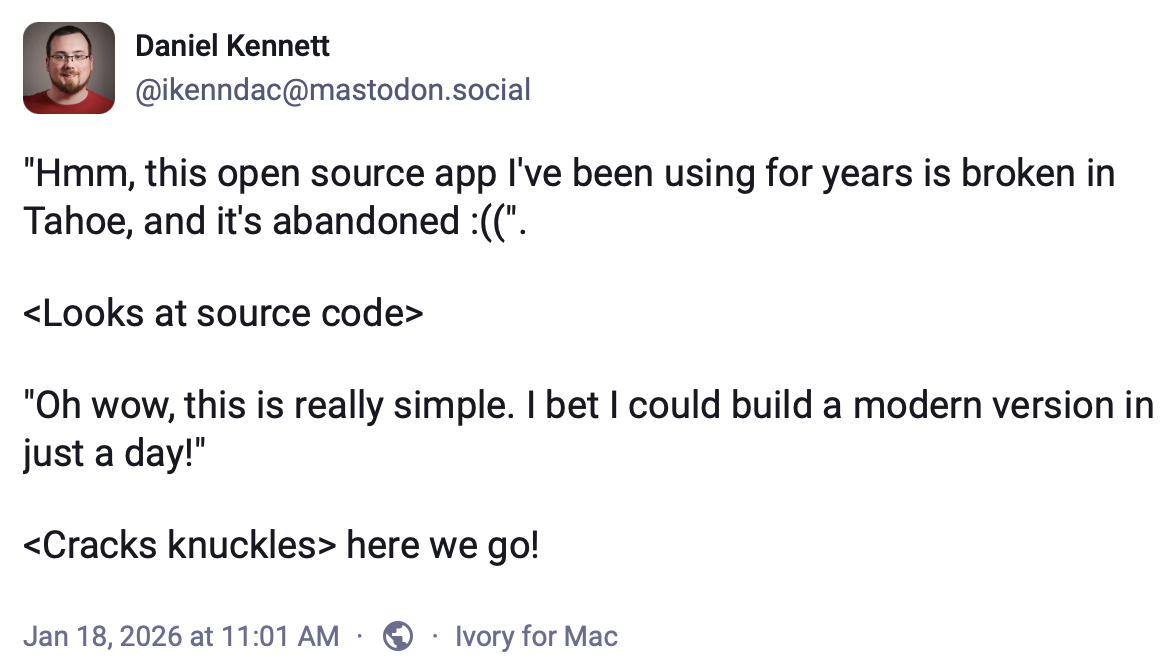
Five hours later, I had a working app:
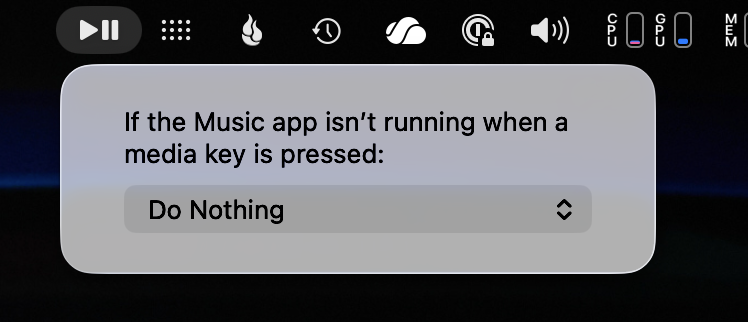
Two hours more, I had a slightly better app:
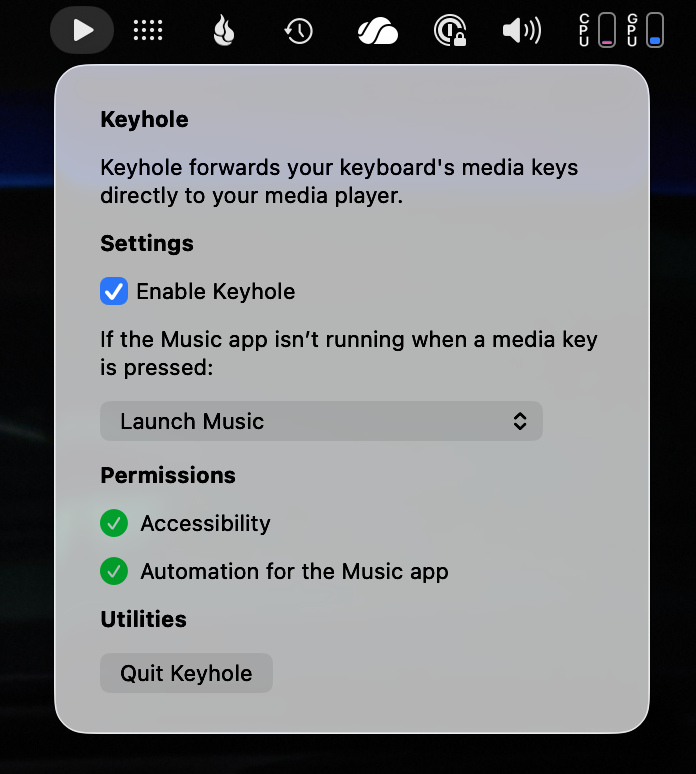
In pockets of spare time stolen here and there over the next week I polished it up, adding decent handling of the various permissions it needs from macOS, automatic updating, and — because I can’t help myself — getting an icon designed (I can code, but I can’t draw). Five days after I started, Keyhole (think wormhole for your media keys) was released!
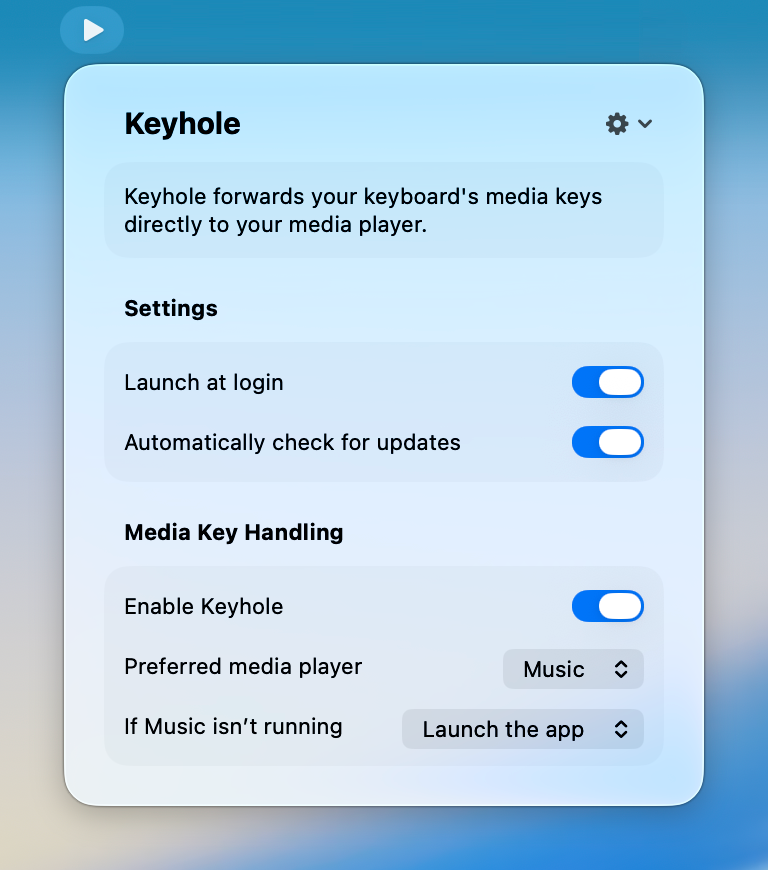
At an estimate I put in about two workdays worth of time, as well as the actual monetary costs of re-activating my personal Apple Developer account (for code signing and notarisation) and getting the icon designed. At a rough market rate for my time and those expenses, that’s about $2,000 total. But hey, at least my media keys are behaving themselves again!
Shout out to Matthew Skiles for such a quick turnaround on the awesome icon!
I’m pretty pleased with the result — especially with how polished it came out with only two days of work. It was able to come together so quickly due to two main factors:
-
I’d already written and shipped a large (and fairly complicated) component that Keyhole needed as part of a project for work — dealing with automating other apps via Apple Events and the Scripting Bridge — and I was able to bring that in and use it more or less as-is.
-
For once, SwiftUI wasn’t being a total pain in the ass and the UI came together pretty smoothly. Only one horrid hack! That’s the smallest number of horrid hacks yet for me in a production SwiftUI project!

Without this hack, the sections in Keyhole’s settings UI are way too far apart.
I’m not quite going to credit SwiftUI for a fast UI turnaround that otherwise would have been glacial — I’m fluent in AppKit and Keyhole’s UI is very simple. However, simple forms are right in SwiftUI’s wheelhouse, and it’s the right tool for the job here — even though writing this in AppKit would have significantly lowered Keyhole’s minimum required macOS version.
It’d have been even faster if macOS’ permissions weren’t so… yeah.
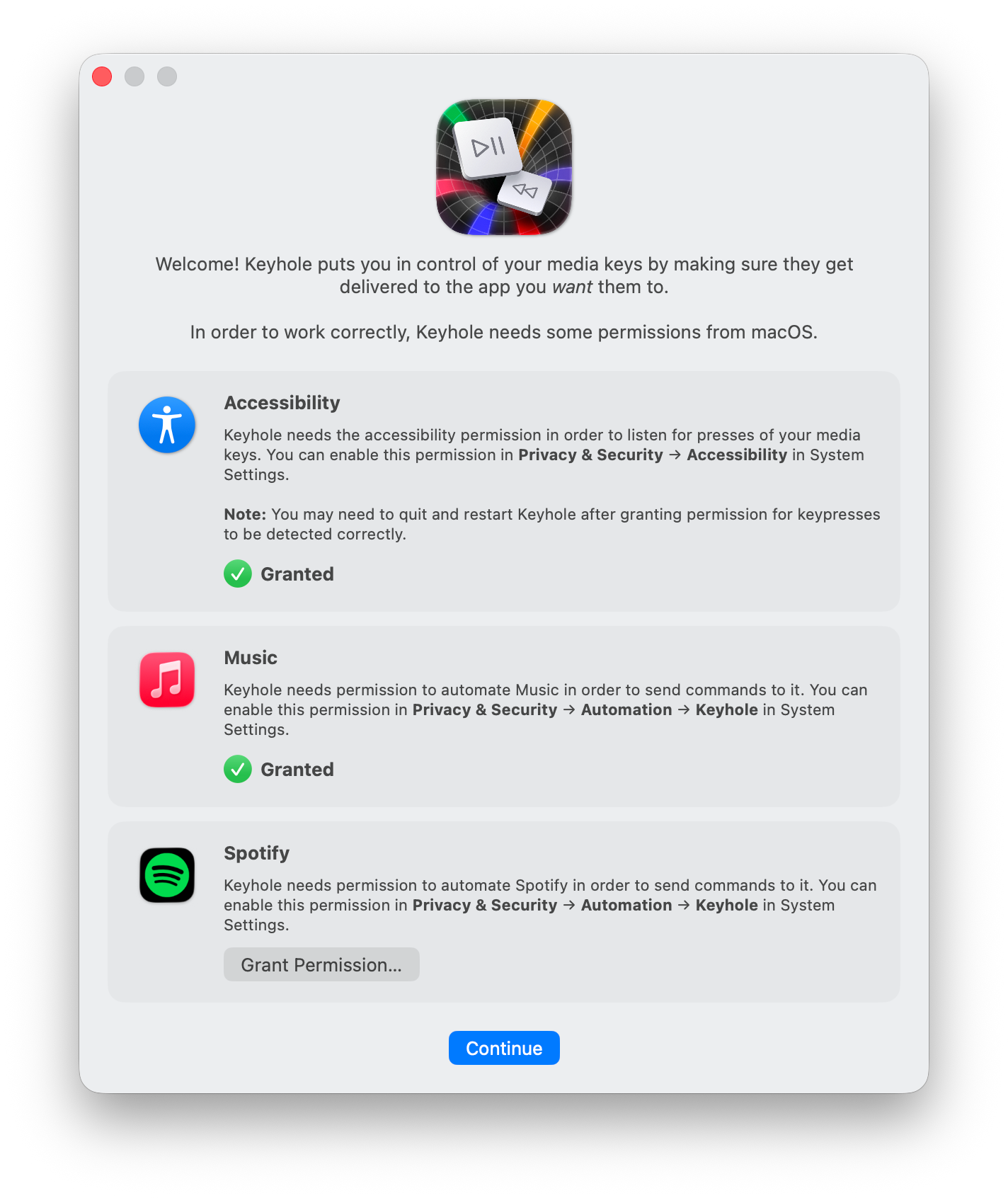
I totally understand that it’s an extra drain on donated time in an open-source micro-app like this, but you’ve got to deal with permissions gracefully in a modern Mac app. Heck, steal mine - it’s open source!
You can get Keyhole here on my website, or check out the Keyhole GitHub repo to have a nosy at the code. Enjoy!